AI YOUTUBE WORKFLOW · HONEST COSTS · REAL STEPS
Where to edit an AI YouTube video: CapCut, Canva, Descript and the real workflow
Editing is where AI assets become a real YouTube video. This page explains tool choices, timeline structure, costs and prompts for planning the edit.
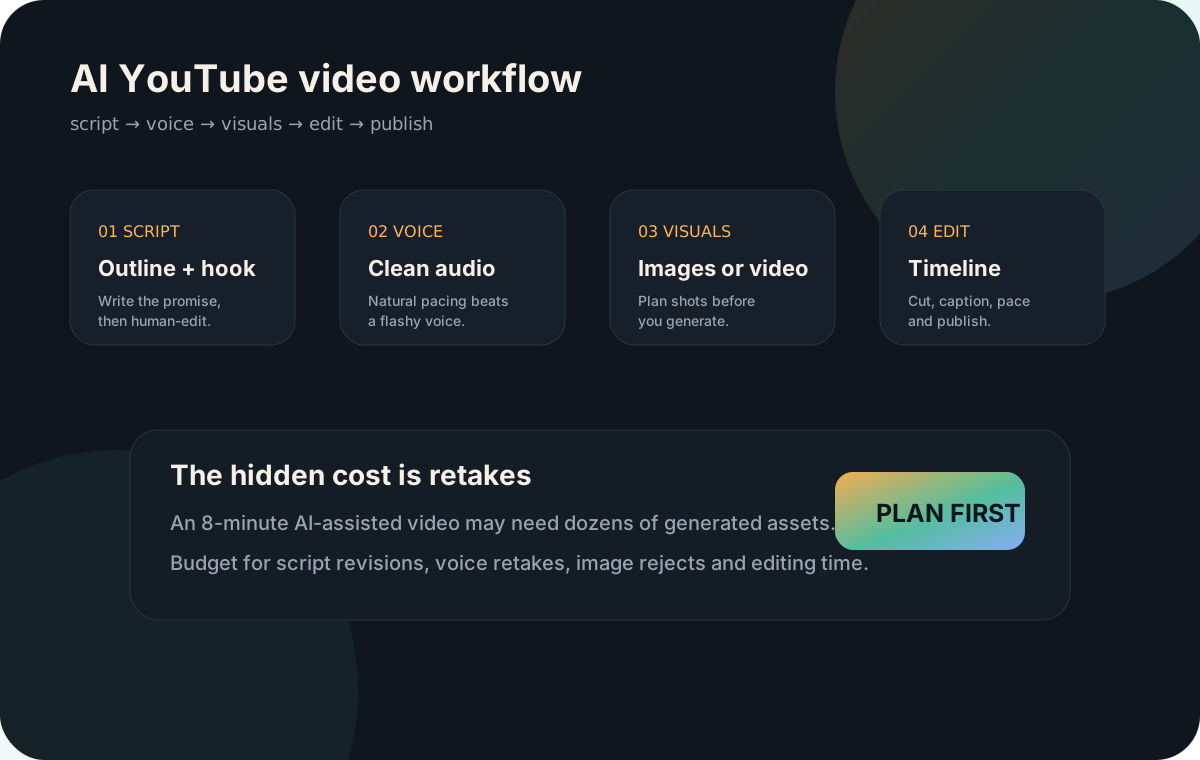
Pick an editor based on the type of video
The editor is where the video becomes watchable. You need to line up the voiceover, add visuals, captions, music, sound effects, pacing and export settings. Different tools are better for different jobs.
CapCut
Strong for fast social edits, Shorts, captions and simple templates. Pricing can vary by region, device and promotions.
CapCut pricing help →Canva
Good for template-based videos, thumbnails, graphics and quick brand assets. Useful when design matters more than complex timeline work.
Canva pricing →Descript
Good for script-based editing, audio cleanup, captions and voice workflows. Useful for podcast-like or narration-heavy videos.
Descript pricing →Basic AI YouTube edit structure
- Import voiceover first. The audio becomes the timeline spine.
- Split the script into scenes. Add markers every 5–10 seconds.
- Add visuals to match the voice. Do not use a visual just because it looks cool.
- Add motion. Slow zooms, pans, parallax and cuts make still images feel less static.
- Add captions selectively. Full captions for Shorts, key callouts for long-form.
- Balance music. Music should support speech, not fight it.
- Watch on mobile. Most pacing and caption issues show up on a small screen.
Editing cost reality
Editing can be free if you do it yourself, but it is often the biggest time cost. A 6–8 minute AI-assisted YouTube video can take hours because you are choosing visuals, replacing weak assets, fixing captions and adjusting pacing.
Editing plan prompt
Create an edit plan for this YouTube script and voiceover. Break it into timeline sections. For each section, suggest visual type, motion style, caption text, B-roll idea, music/sound effect suggestion, and where to add a pattern interrupt. Keep it practical for CapCut, Canva or Descript.
Next step
After editing, estimate your total workflow cost with the AI video cost calculator or compare all tools in the AI video tools directory.