TEMPLATE · BUDGETING
AI video budget template
A planning page designed to attract visitors who need a practical budget framework before they choose a tool or generate clips.
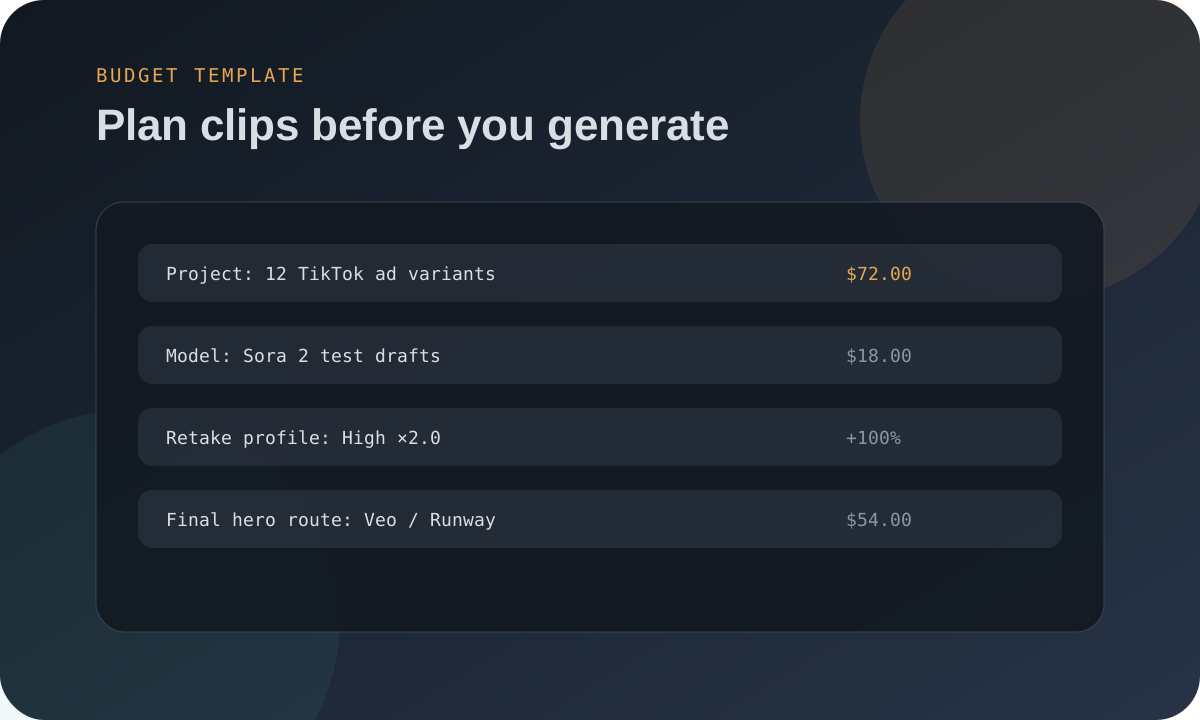
Copy this budget structure
Project: [campaign / Short / product demo]
Total final length: [seconds]
Scenes: [number of clips]
Model mix: [budget model for drafts] + [premium model for hero shots]
Retake profile: [1.5× / 2.0× / 3.0×]
Raw generation budget: [seconds × rate]
Usable output budget: [raw budget × retake multiplier]
Extra costs: voice, music, editing, captions, revisions
Total final length: [seconds]
Scenes: [number of clips]
Model mix: [budget model for drafts] + [premium model for hero shots]
Retake profile: [1.5× / 2.0× / 3.0×]
Raw generation budget: [seconds × rate]
Usable output budget: [raw budget × retake multiplier]
Extra costs: voice, music, editing, captions, revisions
| Budget line | What to include | Common mistake |
|---|---|---|
| Generation | All raw seconds generated. | Only budgeting kept clips. |
| Retakes | Failed outputs, alternate takes, client changes. | Assuming first take works. |
| Editing | Assembly, captions, color, cleanup. | Counting generation as the whole project. |
| Audio | Voiceover, music, sound effects. | Forgetting audio when model lacks native sound. |
Use the template with these pages
Start with AI video cost calculator, then read client quote template if the project is for a customer.
FAQ
What should an AI video budget include?
Generation, retakes, editing, audio, captions, revisions and any subscription or API minimums.
What is the most common budgeting mistake?
Budgeting only the final kept seconds instead of all generated seconds.
Can I use this for client quotes?
Yes, but add revision rounds, licensing notes and a higher retake profile for client approval risk.
Need exact project math? Use the ClipBudget calculator to compare Sora, Veo, Runway, Kling, Seedance, Wan and Vidu with a realistic retake buffer.