AI YOUTUBE WORKFLOW · HONEST COSTS · REAL STEPS
AI voiceover for YouTube: what matters, what it costs and what people get wrong
Clear, natural audio is one of the biggest quality signals in an AI-assisted YouTube video. This page explains voiceover options, costs and checks before editing.
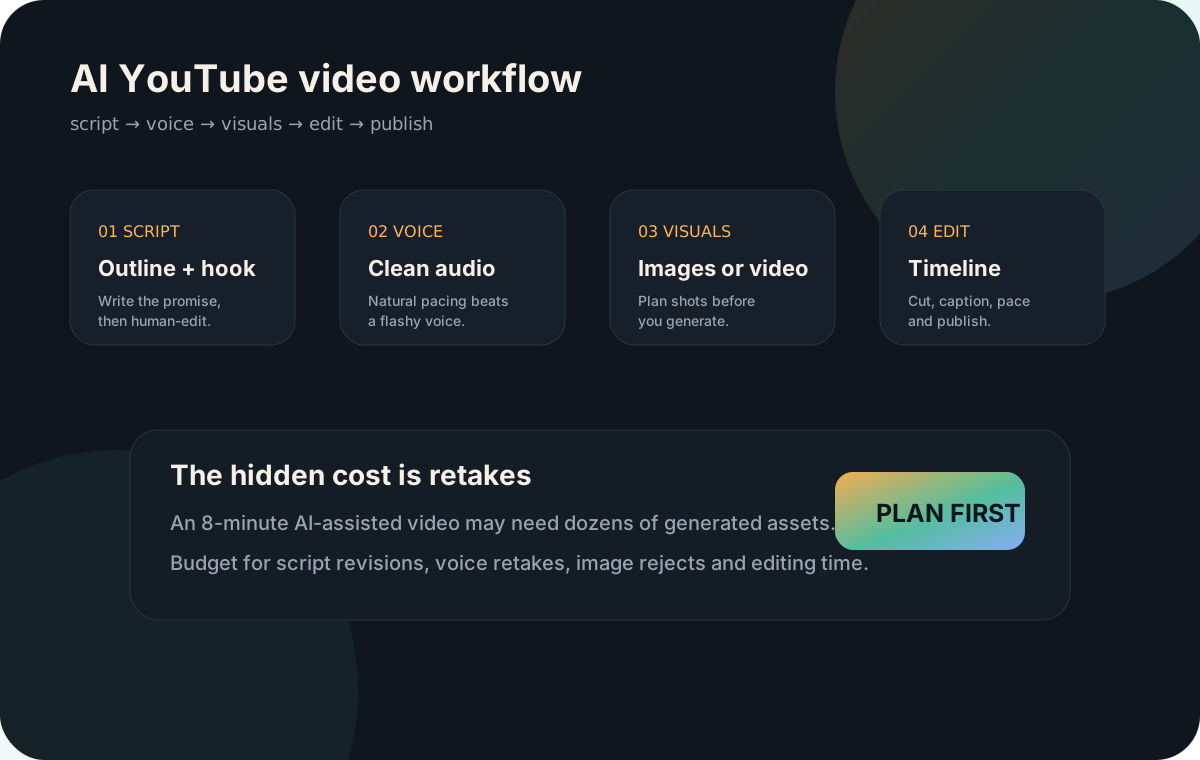
Good YouTube audio is clear, not just realistic
The voiceover should be easy to listen to. Natural pacing, clean pronunciation and consistent volume matter more than a dramatic voice. If viewers struggle to understand the narration, the video feels low quality even when the visuals are expensive.
Voiceover options and official links
Record your own voice
Lowest cost and highest trust. Use a phone, USB mic or simple recorder, then clean noise and levels in your editor.
ElevenLabs
Popular AI voice platform. Official pricing includes paid creator plans and can change by plan and usage.
Official pricing →Descript
Useful for voice cleanup, editing and text-based video/audio workflows. Paid plans start from the creator level.
Official pricing →Own voice, ElevenLabs or Descript: what is the difference?
These options are often compared, but they solve different problems. Your own voice gives the most trust. ElevenLabs is mainly for generating or cloning AI voices. Descript is more of an editing workflow for voice, screen recordings and video timelines. Many creators use more than one: generate or record the voice first, then clean and edit it afterwards.
| Option | Best for | Strength | Risk |
|---|---|---|---|
| Your own voice | Personal channels, tutorials, reviews, expert content | Highest authenticity and easiest to trust. It can also make the channel feel less generic. | Needs a quiet room, confidence, cleanup and consistent delivery. |
| ElevenLabs | Faceless channels, narration, multilingual tests, polished AI voiceovers | Strong voice quality and useful when you do not want to record every script yourself. | Can sound too smooth or over-produced if the script has no natural pacing. Always check commercial-use terms. |
| Descript | Editing, cleanup, cutting mistakes, screen/video/audio workflows | Useful for turning rough voiceover into a clean timeline and fixing awkward pacing. | It is not just a voice generator. You still need good script structure and final listening checks. |
Approximate audio cost buckets
| Route | Approximate cost | Best for |
|---|---|---|
| Own voice | $0 if you already have a mic/phone | Trust and personality |
| AI voice free tier | $0 with limits | Testing faceless workflows |
| Creator AI voice plan | Often around low monthly subscription pricing | Regular uploads |
| Pro voice workflow | Higher monthly plan or hired voice actor | Brand/client quality |
Always check commercial usage rules, voice cloning policies and export limits before using a voice in monetized videos.
Voiceover improvement prompt
Rewrite this script for voiceover. Make it sound natural when spoken out loud. Use shorter sentences, vary rhythm, remove stiff phrases, add [pause] where the viewer needs time, and keep the original meaning. Then give me a pronunciation checklist for difficult words.
Next step
After audio, build visuals around the narration. Continue with AI visuals for YouTube or estimate production cost with the AI video cost calculator.