COMPARISON · BUYER INTENT
AI video generator comparison
Use this page when “best AI video generator” is too vague. The right model depends on budget, retake tolerance, audio needs, clip length and whether you are making ads, Shorts, B-roll or client work.
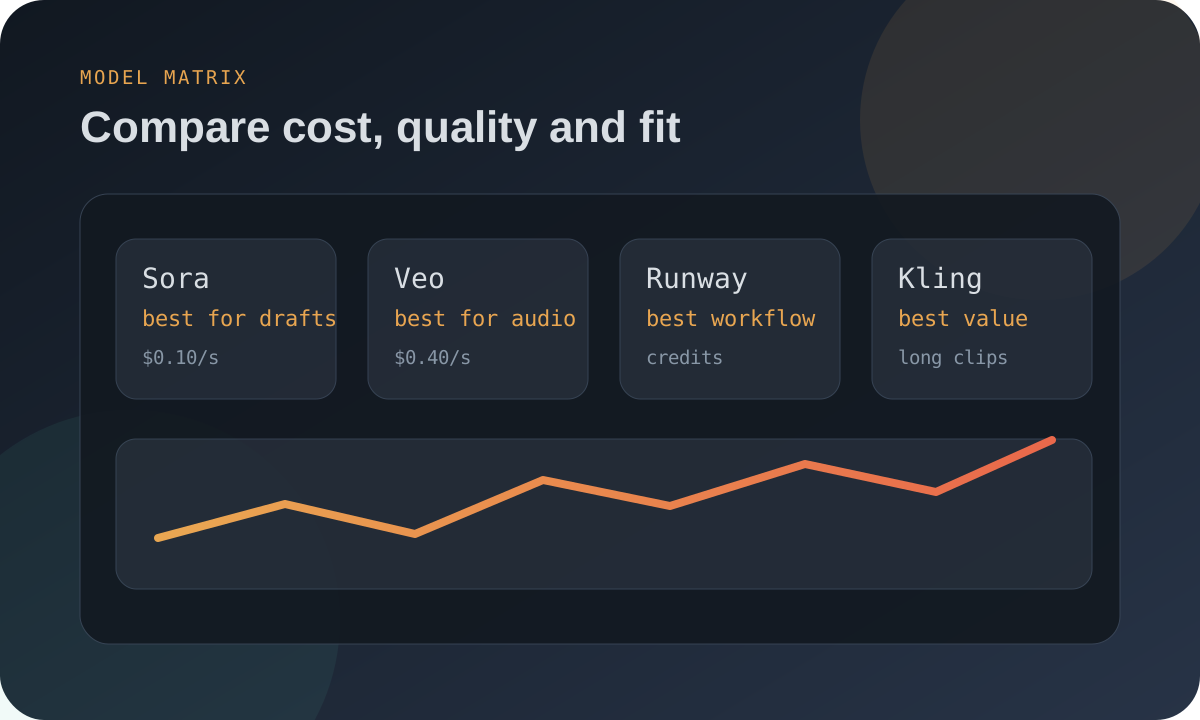
Fast recommendation map
For traffic, this is an important page because it targets broad comparison intent but still pushes visitors deeper into specific cost calculators and use-case pages.
| Need | Start with | Why | Next page |
|---|---|---|---|
| Lowest possible cost | Vidu, Wan, Gen-4 Turbo | Budget models keep cost per generated second low. | Cheapest AI video generators |
| Premium native audio | Sora 2, Veo 3.1 | Audio included can reduce separate voice/music steps. | Sora vs Veo |
| Image-to-video workflow | Runway, Kling, Seedance | Good for controlled first frames and repeatable style. | Image-to-video cost |
| Faceless YouTube | Mixed stack | Use cheap B-roll plus a few premium hero shots. | Faceless YouTube guide |
| Client ads | Veo, Sora, Runway | Higher retake budget and quality control matter more than raw price. | Best for ads |
The comparison formula
Two models can look equally priced until retakes enter the calculation. A cheaper model with many failed generations can become more expensive than a premium model that produces usable shots faster.
FAQ
What is the best AI video generator overall?
There is no single overall winner. Cheap B-roll, premium ads, native-audio clips and faceless YouTube workflows all reward different tools.
What should beginners compare first?
Start with cost per usable second, watermark rules, maximum clip length and whether the tool supports the input style you need.
Why does ClipBudget use retakes?
Because AI video generation often requires retries. Retakes are the difference between list price and real project cost.
Need exact project math? Use the ClipBudget calculator to compare Sora, Veo, Runway, Kling, Seedance, Wan and Vidu with a realistic retake buffer.